
Business systems
Check what connected apps can do with your business data
OpenAI’s Hacktron partnership focuses on connections between systems. Review what your business apps can read, change and pass to another service.
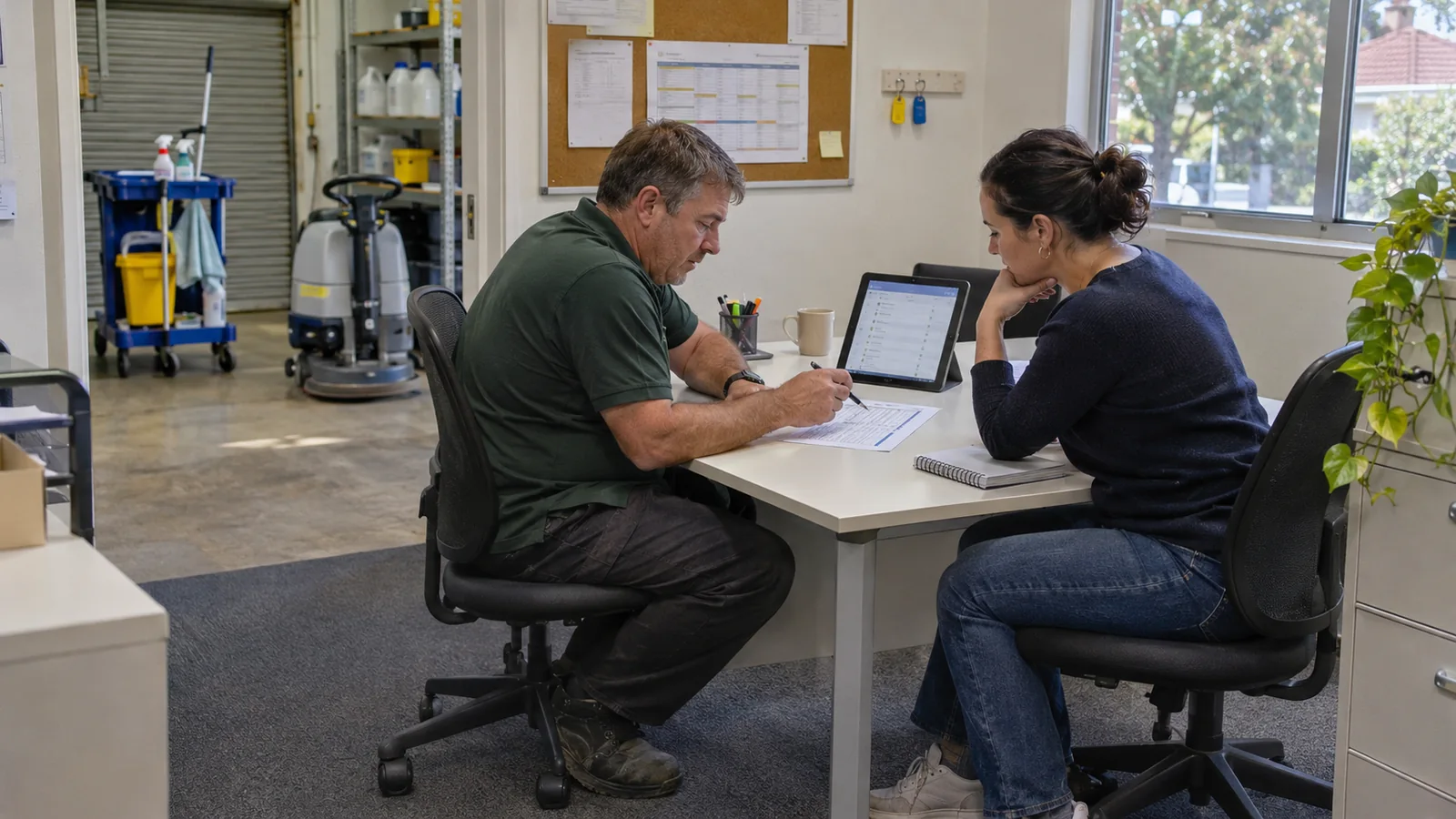
A cleaning business connects its booking calendar to a job board. Later, someone adds an AI assistant to prepare a daily work summary. The summary is handy, but the owner has a practical question. Which customer details can each service see, and can any of them change tomorrow’s bookings?
What prompted this review?
OpenAI is testing the connections between services
On 6 November 2026, OpenAI announced a partnership with security company Hacktron. OpenAI says their engineers and Hacktron’s researchers will select areas to test together, focusing on interactions with third-party services. It also says Hacktron will receive expanded access to its frontier models through Daybreak Red. These are the company’s stated plans for testing its own systems.
OpenAI’s announcement of the Hacktron partnership6 November 2026
What does this mean for a small business?
Our interpretation is that a business owner can start by looking at the connections in one everyday process. A calendar, job board and assistant each have a purpose. It should also be possible to explain what information moves between them and who allowed it.
In our illustrative cleaning business, the morning summary might need job times, suburbs and assigned staff. Ask whether it needs the full booking notes, customer contact details or permission to edit events. Write down the intended purpose before comparing it with the access currently granted.
Then follow one made-up job through the workflow with your developer or IT provider. Check which account reads it, where its details appear and whether the summary creates or changes anything. Use test records that are clearly separated from customer work.
Check the type of connection as well as the app name
Record the account used to approve the connection. If a supplier or former employee set it up, find the current person responsible for maintaining it. This helps when access needs renewing, a password changes or the connection stops working.
Google lists several kinds of connection separately
Google’s existing account guidance distinguishes using Google to sign in, linking an account, sharing access to Google Account data and allowing an agent to interact with an app. Its linked-apps page lets users review these connections and their details. For a Google-connected workflow, start with the relevant business account and inspect the access shown for each service.
Google’s guidance on linked apps and account accessReviewed 7 November 2026
An agent permission and an account link can be separate
Google says removing an agent’s permission to interact with an app leaves the Google Account’s link to that app in place. It also explains that removing an app’s access can make features unavailable. If you are retiring an assistant, review the particular connection you intend to stop and check the effect on the rest of the workflow.
Google’s agent-permission and removal guidanceReviewed 7 November 2026
Make the access fit the task
For the cleaning business, we would ask the maintainer to check whether the integration supports a narrower permission or a dedicated set of job records. A summary-only task is easier to reason about when its connection can read the required information without changing the schedule.
Some services offer limited choices. If a tool requires broad access, document that requirement and decide whether the task justifies it. You may be able to send a smaller prepared job list to the assistant instead. Assess the extra work involved before choosing that approach.
Keep the intended behaviour visible to the people using the system. For example, label a generated daily summary with the time it was prepared and give staff a way to open the current job board. That makes it easier to notice an outdated summary after a booking changes.
What can you do this week?
- Choose one workflow that uses connected apps, such as booking-to-roster or enquiry-to-job creation. Name the person who maintains it.
- List each service, the account used to connect it and the records it is meant to receive. Include assistants and automation tools added during trials.
- Review the permissions with the maintainer. Record whether each connection can read information, modify records or trigger another action.
- Run a small check with test data. Confirm which fields arrive, what gets changed and what happens when the connection is unavailable.
- Agree how to retire or replace the connection, then schedule another review when the workflow, supplier or responsible staff member changes.
Keep a usable record as the workflow grows
A short connection register can sit with the instructions your team already uses. Add the business purpose, owner, permission summary, last review date and recovery contact. Store credentials through your existing secure credential-management process.
Use the register when considering another integration. If two tools already carry the same job information, understand why before adding a third. The review may lead to a smaller permission, a clearer owner or removal of a trial that has finished.
For a more detailed security assessment, give the provider a defined scope and the relevant system owners’ authorisation. That makes it possible to agree which systems, accounts and test records may be examined.
How Context Aware can help
We can map a connected business process, review its intended data flow with your existing provider and identify where access or ownership needs clarification. We can also help test a revised integration and document what staff should do when it fails.
A sensible starting point is one workflow your team depends on each week. We would scope the work around that process and agree on any specialist security testing it needs.
Sources and research notes
OpenAI’s announcement supplies the partnership details. Google’s account documentation describes the existing controls discussed above. The cleaning business and suggested workflow review are our interpretation and an illustrative example.
We also reviewed Apple Developer news, Anthropic’s newsroom, Google Search Central’s update log and the Hacker News discussion of OpenAI’s separate Linux-security research. Targeted X discovery provided no accessible discussion of the partnership, and OpenAI’s profile returned an access error.
Prepared by Context Aware with AI assistance and linked primary sources. Examples are illustrative. How we write our insights.